Explore the possibilities
Workflow reviewUnderstand where time is lost, which information is disconnected and what is worth improving first.
A clearer direction and a practical outline of the next steps.
Built around your business
Bring your projects, people and information together. Custom software built around the way your business works.
Less chasing updates. More moving forward.
One action. Everything connected.
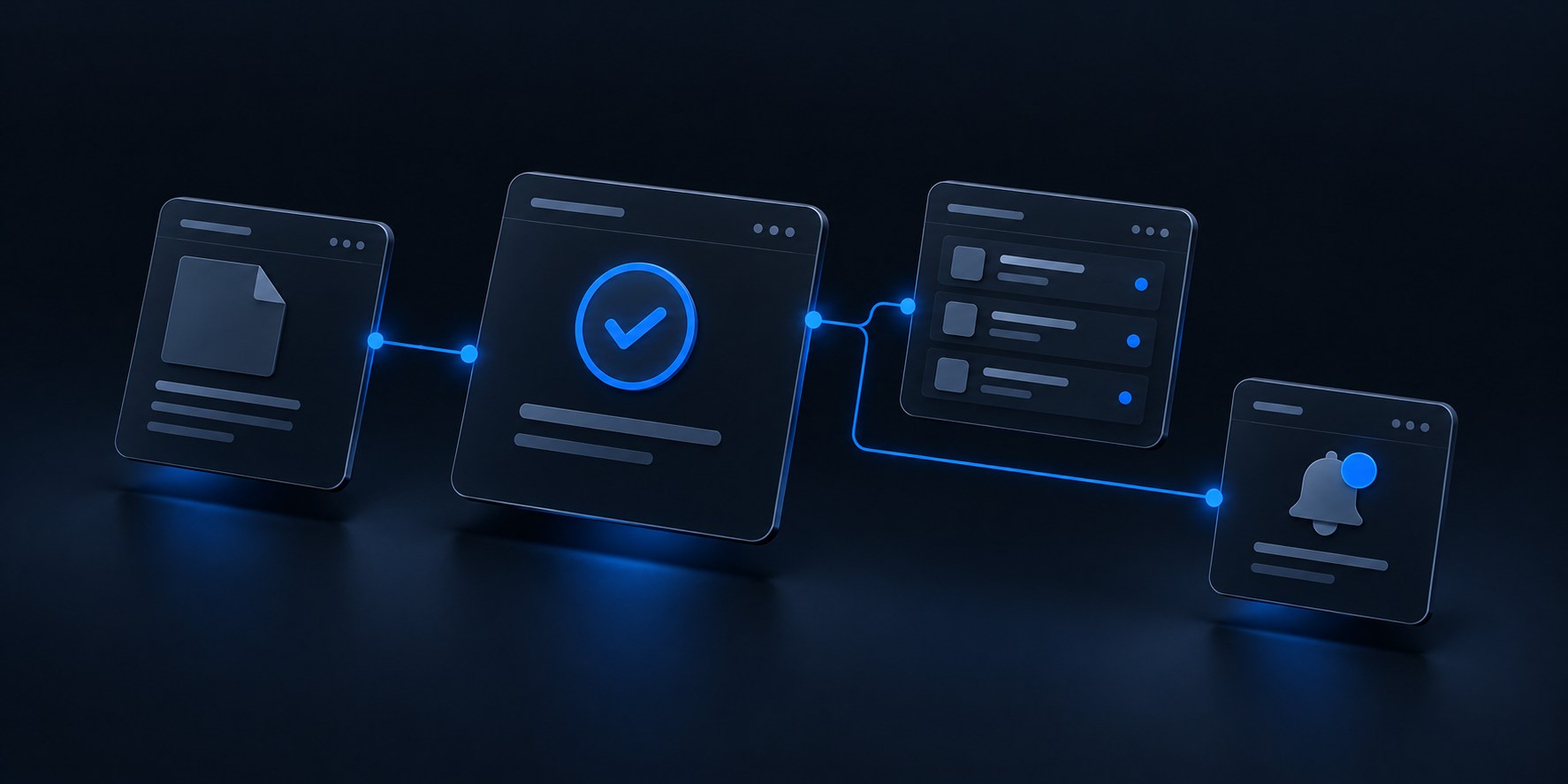
Connected workspace
A workflow that works for you
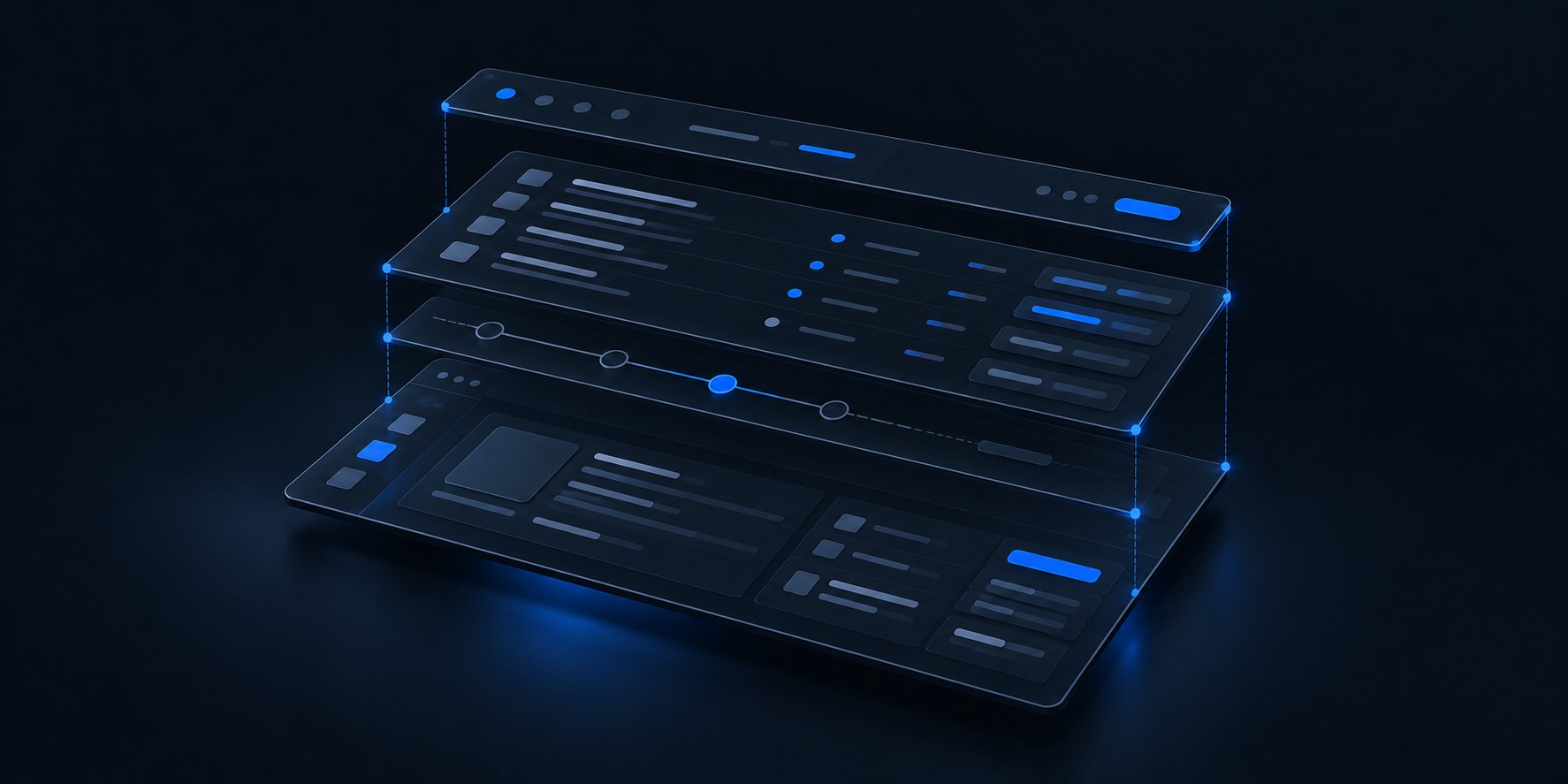
A clearer view of your business
01 / The possibilities
Software with a purposeWhen information lives in different places, even simple tasks take longer. Bring the pieces together in a system that makes sense to your team.
Stop searching across spreadsheets and email threads. Keep projects, clients, documents and reports in one connected workspace.
Find your focusMove work forward without repeating the same steps. Connect approvals, updates and notifications around your process.
Keep work movingSee what’s ready, what’s waiting and what needs attention. Give your team a clearer view of the work that matters.
See the whole pictureTurn structured records into consistent reports, job sheets and branded documents, with review steps that fit your process.
From data to documentConnect existing tools where they support it. Move information between systems through suitable APIs, exports or other agreed integration methods.
Build on what worksIf your day involves coordinating projects, site work, documents, reporting or repeated administration, there may be a simpler way to connect it. We start with your workflow, whatever your industry.
02 / In action
Illustrative workflowApproving a document can be the start of everything that follows. Here’s how a connected workflow could handle the next steps.
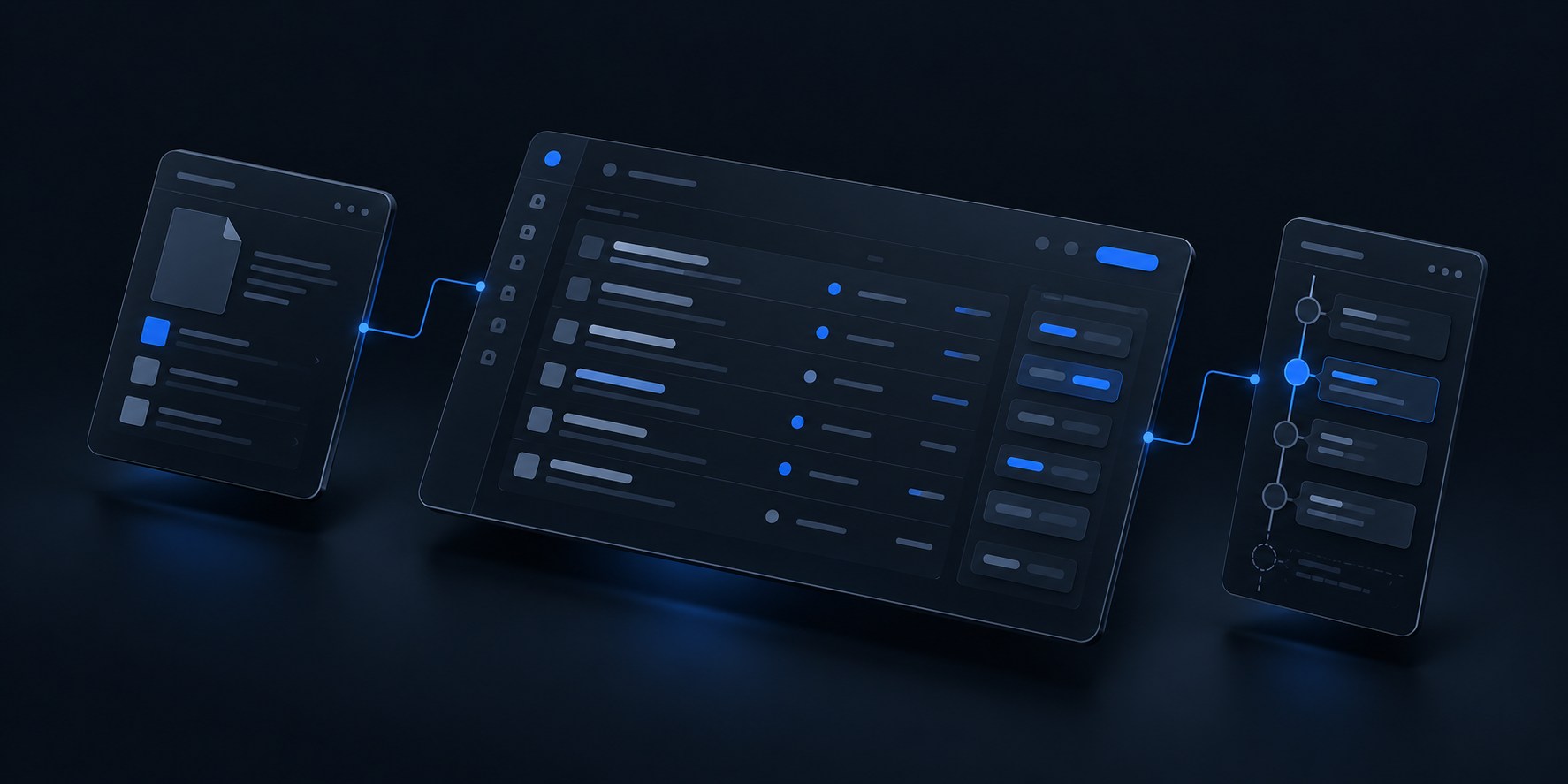
One decision, recorded in the right place.
The linked information stays in sync.
The review is closed. Work can move on.
The right team gets the update.
Your processes. Your rules. One connected system.
Try the interactive example03 / Working together
From conversation to clarityYou don’t need a technical specification to begin. Start with how your business works and what you want to improve.
Understand where time is lost, which information is disconnected and what is worth improving first.
A clearer direction and a practical outline of the next steps.
Start with a defined task, such as preparing a report, handling an approval or updating records across tools.
An agreed improvement with a manageable scope.
Bring related workflows, records and team responsibilities into a system designed around your operations.
A tailored system that can be delivered in useful phases.
Explore the people, daily tasks and friction behind the request. Define what better should look like.
Shape the workflow and screens around real tasks, with a clear scope and room for your feedback.
Turn the agreed direction into working software, reviewing the important details along the way.
Test the everyday scenarios together and fine-tune the experience around how your team works.
04 / About Kintra
The business behind the softwareSoftware is part of a bigger picture: the people using it, the decisions they make and the work they need to get done.
Kintra Systems builds software around how your business operates. We look at the people, information and decisions involved in everyday work, then shape the system around your priorities. Your workflow is the starting point, whatever your industry.
05 / Your questions
A little clarity before we talkYou don’t need to have every answer before getting in touch. These are a few of the things we can work through together.
Yes. A single workflow or repetitive task can be a useful starting point. We can define that first step together and consider a broader system only where it makes sense.
No. Start with what your team does, the tools you use and where work becomes difficult. That gives us a starting point for discussing the workflow and possible scope.
Existing tools can remain part of the solution where they fit your needs. Possible connections depend on the access they provide, such as APIs or data exports. We review those options before agreeing an integration.
It depends on the workflows, integrations, reporting and review involved. Once the scope is understood, we can discuss a realistic estimate and whether the work should be delivered in phases.
We begin with the problem you want to solve, then discuss priorities, the people involved and what a useful result looks like. The next step is an agreed scope and proposal before development begins.
Handover, support needs and future development are part of the project discussion. What is included and who is responsible can then be set out in the agreed scope.
06 / Start a conversation
Tell us where work gets complicated.
Let’s explore what could change.
Tell us a little about your business, the tools you use and one thing you would like to improve. A short description is enough to begin.
We’ll discuss the workflow and possible approaches. If there’s a useful next step, we can define the scope and prepare a proposal for you to consider.
Already have a process in mind? Share more detail to help us prepare for our conversation.
A conversation is a good place to start.